
Farming Simulator 20: Realistic Farm Life on PC
Download Farming Simulator 20 now and experience the ultimate farming simulation on your desktop. This immersive single-player game from GIANTS Software lets you manage every aspect of a modern farm, from planting crops and raising livestock to operating advanced agricultural machinery. Whether you're a casual gamer or a simulation enthusiast, this title offers a deep, hands-on experience in rural life. With realistic vehicle mechanics, dynamic markets, and expansive open-world environments, it’s designed for players who enjoy strategic planning, resource management, and detailed mechanics.
Overview
Farming Simulator 20 is a simulation game developed by GIANTS Software, offering a detailed and immersive farming experience on both Windows and Mac platforms. The game allows players to step into the role of a farmer, managing all stages of agricultural production, including crop cultivation, livestock care, and machinery operation. Real-world farming tasks such as harvesting, transporting goods, and selling produce in a dynamic in-game market are central to the gameplay loop. The game introduces a new North American environment, expanding the franchise’s world with diverse landscapes and seasonal changes. Players can also ride horses, a new feature that adds a layer of exploration and freedom to the gameplay.
Target users include simulation game fans, strategy players, and those interested in agricultural mechanics. The game’s focus on realism and detail makes it appealing to both casual players and dedicated simulation enthusiasts. While the developer did not provide additional background on the team, the franchise’s history with GIANTS Software suggests a commitment to technical depth and long-term content updates. Real-world usage scenarios include farm expansion, machinery investment, and economic decision-making, simulating real-life farming challenges in a virtual setting.
Key Features & Capabilities
- Realistic Farming Mechanics: Manage crops, livestock, and seasonal cycles with accurate farming timelines and environmental effects.
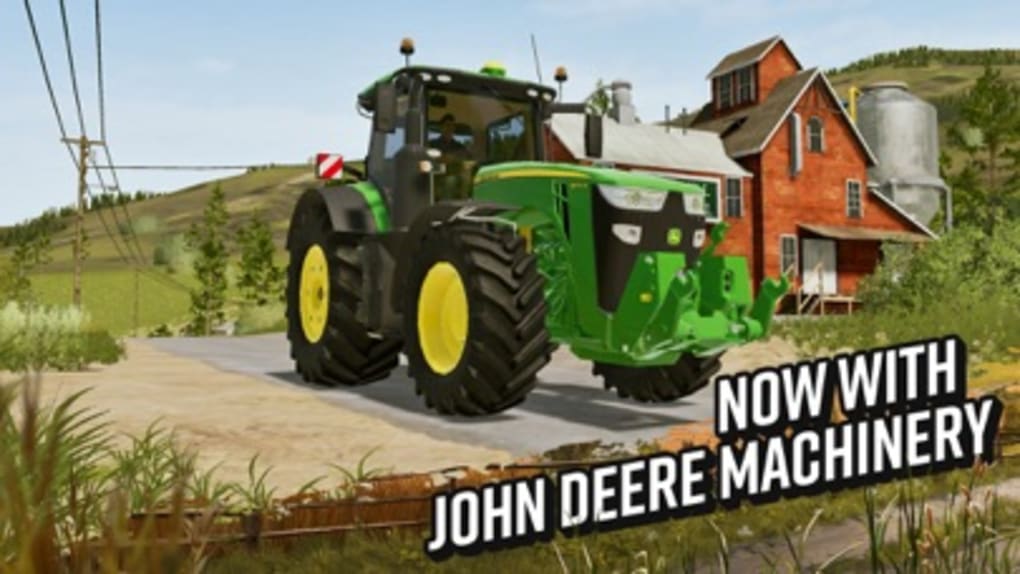
- Over 100 Realistic Vehicles and Tools: Operate machinery from leading brands like John Deere, Fendt, Massey Ferguson, Krone, and Challenger, each with detailed models and functional controls.
- Cockpit View Driving: Experience immersive vehicle operation with a realistic cockpit perspective, enhancing the sense of control and realism.
- New Horse System: Tend to and ride horses for exploration and transportation across large maps, adding a new dimension to farm navigation.
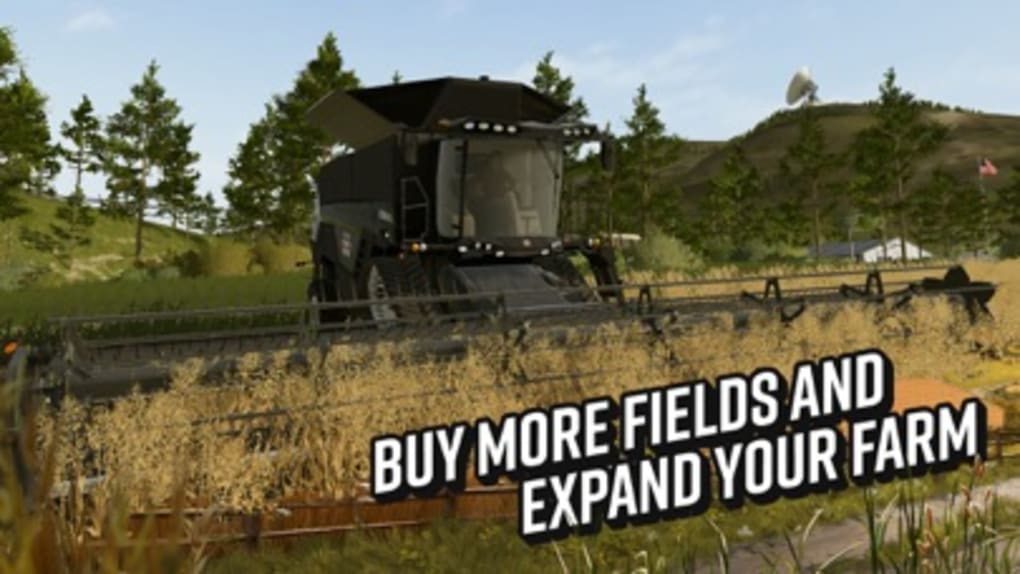
- Dynamic Market System: Sell crops and livestock in a fluctuating market to earn in-game currency for upgrades and expansion.
- North American Environment: Explore a new, expansive map with varied terrain, weather patterns, and regional farming practices.
- 3D Graphics Upgrade: Enjoy enhanced visuals with improved textures, lighting, and environmental detail for a more immersive experience.
These features allow players to build and manage a self-sustaining farm over time. For example, using the dynamic market system, players can plan crop rotations based on price trends. The cockpit view enables precise operation of complex machinery, while the horse system provides a slower, more exploratory alternative to vehicle travel. These mechanics combine to create a rich, layered simulation that rewards long-term engagement and strategic thinking.
User Interface, Workflow & Performance
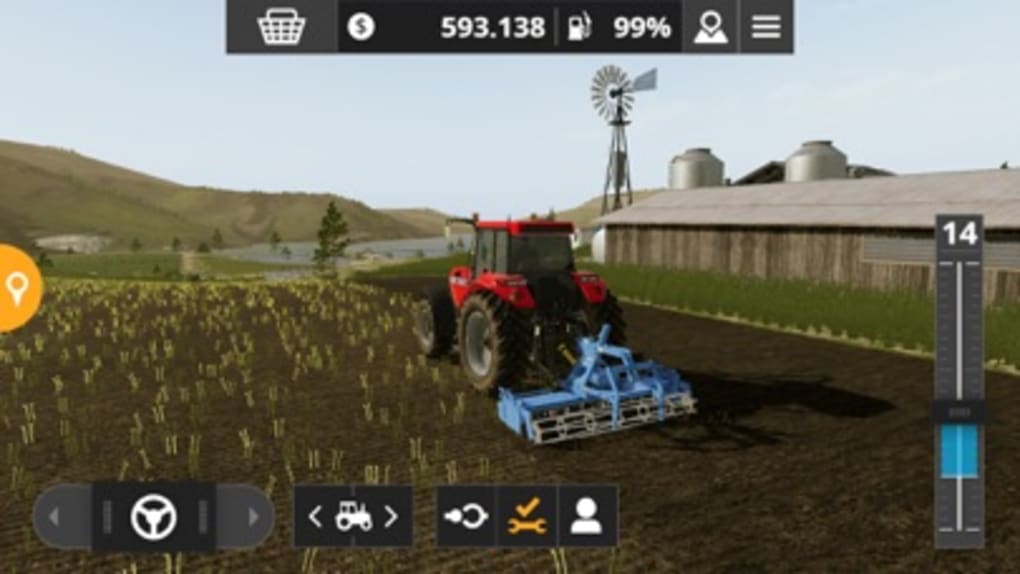
The user interface of Farming Simulator 20 is structured around a central menu system with clearly labeled tabs for inventory, farm management, vehicle controls, and market data. Navigation is generally intuitive, with a focus on accessibility for new players. However, the absence of an in-game help function may pose challenges for beginners. The workflow follows a logical sequence: plant → grow → harvest → sell → reinvest, which supports consistent progression.
Performance observations are based on general software behavior patterns. The developer did not specify resource usage details. However, the game’s 12.5 GB installation size suggests significant graphical and mechanical complexity.
Players may experience lag when running the game at higher graphics settings, particularly on systems without dedicated GPUs. The game’s optimization appears to be a concern, with reports indicating performance drops at medium and high settings. Stability during extended sessions has not been confirmed.
CPU and RAM behavior are not detailed in the provided information.
Compatibility & System Requirements
Farming Simulator 20 is compatible with Windows and Mac operating systems. The software version is 1.0.0, and the installation size is 12.5 GB. Platform compatibility information is limited to the operating systems listed.
The developer did not provide additional system requirements. Exact system requirements were not listed. Compatibility with older hardware or specific GPU models is not confirmed.
Players are advised to ensure their system meets the minimum specifications required for high-end PC games, especially given the game’s graphical demands and large file size.
Pros and Cons
Pros
- Extensive collection of real-world agricultural machinery from top brands
- Immersive cockpit view for realistic vehicle operation
- New horse system adds exploration and freedom
- Dynamic market system encourages strategic decision-making
- Expansive North American environment with varied terrain
- High-quality 3D graphics and environmental detail
Cons
- Performance issues at medium and high graphics settings
- Overly sensitive gyroscope controls (if used)
- Removal of the AI helper system for automation tasks
- Lack of in-game help function for new players
- Optimization appears to be underdeveloped
FAQ Section
Is Farming Simulator 20 available for free?
Yes, Farming Simulator 20 is currently available at no cost, making it accessible to a wide audience.
Can I play Farming Simulator 20 on Mac and Windows?
Yes, the game supports both Windows and Mac operating systems.
Does the game require an internet connection?
The game can be played offline, but online features such as updates and market data may require connectivity.
Is Farming Simulator 20 secure to download?
As a product from GIANTS Software, the game is distributed through official channels, ensuring it is safe to download and install.
Are updates available for Farming Simulator 20?
Yes, the game receives regular updates to improve stability, add content, and address known issues.
Final Thoughts + CTA
Farming Simulator 20 delivers a rich, detailed simulation of modern farming life with a strong emphasis on realism and vehicle mechanics. While it introduces exciting new features like horses and a North American map, performance issues and missing support tools like the AI helper and help function hinder the overall experience. The game’s potential is clear, but it currently falls short of its full promise. For fans of agricultural simulations and those who enjoy managing complex systems, it remains a compelling choice—especially at no cost. However, players should be prepared for optimization challenges and a steep learning curve.
Download Farming Simulator 20 now and start building your dream farm today.







